

GPU vs CPU Rendering: What Hardware Should You Prioritize?
When it comes to 3D rendering, the big question is whether you should invest more in your CPU or your GPU. Both play key roles, but they shine in different scenarios depending on the type of software and work you do.
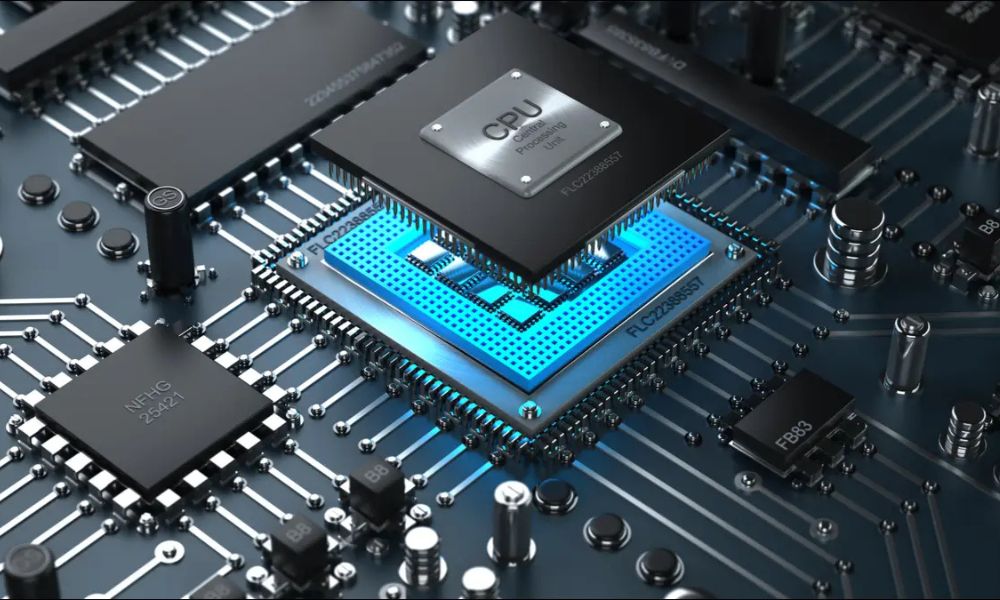
CPU rendering is the traditional method and uses your computer’s main processor to handle rendering tasks. It’s slower compared to GPU rendering but known for its accuracy and stability, especially in heavy scenes with complex lighting and geometry. It’s ideal for professionals who prioritize high precision, run large architectural models, or work with CPU-based render engines like V-Ray CPU.
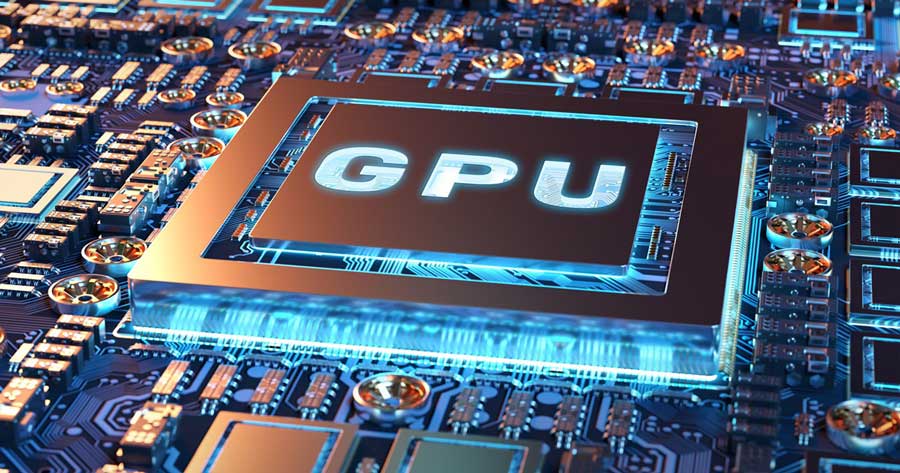
On the other hand, GPU rendering relies on your graphics card to process scenes quickly. It’s significantly faster and is the go-to choice for real-time rendering and visual feedback. Software like V-Ray GPU, Chaos Enscape, and Chaos Vantage are all designed to harness the power of modern GPUs. GPU rendering is perfect for designers and visual artists who want speed, smooth performance, and real-time updates. However, GPU memory limits can be a concern when handling very large scenes.
Different Chaos tools support different rendering methods. V-Ray gives you flexibility by supporting both CPU and GPU engines. Enscape and Vantage are GPU-only and designed for real-time visualization. Chaos Phoenix, while focused on simulation, primarily uses the CPU but can benefit from GPU acceleration when paired with V-Ray GPU.
So, which should you prioritize? If your work involves large, detailed models and long offline rendering sessions, the CPU should be your focus. But if speed, live previews, or VR compatibility are important to your workflow, then the GPU deserves top priority. Ideally, a well-balanced system with a strong CPU and a capable GPU offers the best of both worlds.
At OAS Technologies, we help you match the right hardware with the software you use. Whether it’s V-Ray Premium, Enscape, or Phoenix, we provide expert advice and licensed solutions to support your creative process.
In the end, the right choice depends on your workflow and the tools you rely on. But with the right setup, you can cut down render times, improve efficiency, and deliver outstanding visual results—every time.