

Corona Renderer: The Simple Yet Powerful Rendering Tool for Photorealistic 3D Rendering
Corona Renderer is one of the leading software rendering tools for rendering 3D that is used worldwide. Developed by Chaos, this rendering tool is famous for its powerful realism that goes hand in hand with simplicity, something many 3D artists really value.
While some rendering tools can be very technical and complicated, Corona Renderer has challenged this by making top-notch rendering more approachable, even for beginners.
Now, let’s explore what Corona Renderer is, its working principle, and the reasons why it has become so popular among designers and artists.
What Is Corona Renderer?
Corona Renderer is a 3D rendering engine that produces realistic images and animations from digital scenes. To get a clearer picture of this, think of the 3D creation process in two steps:
Stage 1 – Designers come up with objects like buildings, furniture, or settings in modeling software like Autodesk 3ds Max and Cinema 4D.
At this point, the scene is generally plain and not very realistic-looking.
Stage 2 – Corona Renderer helps with producing the scene. It estimates the way light will interact with different surfaces, what will happen to the materials, and how the shadows and reflections will be formed. The end product is a highly realistic 3D image that may even be confused with a real photograph.
You can simply imagine it as 3D software builds the objects and environment, and Corona Renderer acts like the camera and lighting system.
Why Corona Rendering Tool Is So Popular
Architects prefer Corona. A significant factor of its popularity is the brand-new focus on simplicity while still producing high-quality results.
Easy to Learn and Use
What are the main features of this rendering tool?
Many rendering tools require complex settings and technical adjustments. In addition to technical aspects, Corona Renderer performs greatly with minimal settings.
One of Corona’s biggest advantages is that artists can achieve excellent results without adjusting numerous complex parameters. For novices, this means learning faster, less frustration, and quicker results. While the professional finds faster workflows and productivity.
Highly Realistic Lighting
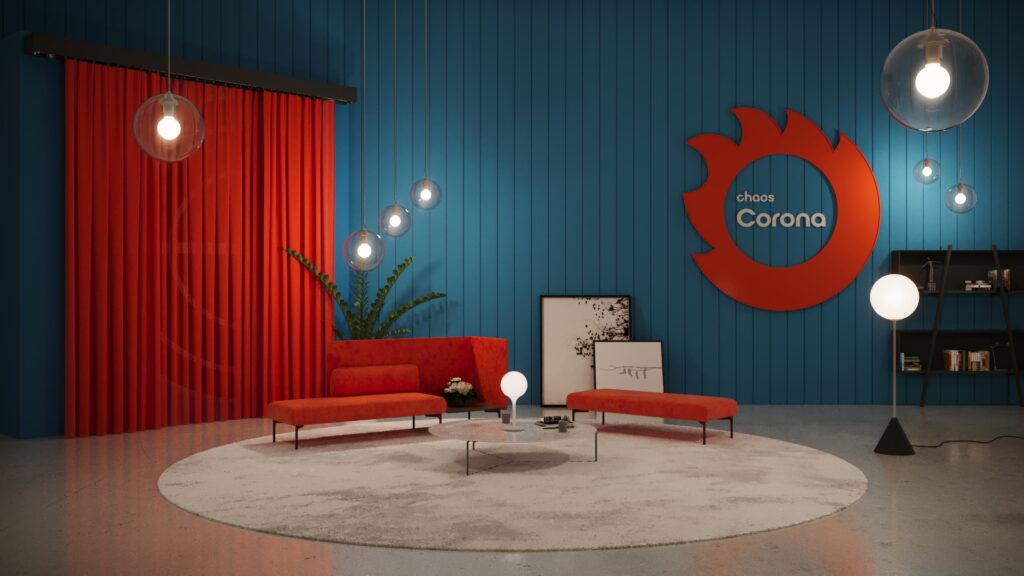
Similar to other advanced rendering tools, Corona reflects the behavior of the real-world lighting. Light in the real world doesn’t simply hit an object and stop; it bounces around the environment, creating subtle shadows and natural illumination.
Corona accomplishes this by employing state-of-the-art rendering techniques, resulting in lighting that appears soft, natural, and highly convincing. Corona renders are often praised for their natural lighting quality, especially in interior scenes.
Interactive Rendering
One feature many artists love is interactive rendering. When working with Corona, you get to see the changes in your scene almost immediately.
For instance, if you change the lighting, the materials, the camera angles, and the placement of the objects, the rendering will be updated in real time. This way of working is significantly quicker in allowing artists to test out their creative thoughts and perfect their designs in comparison with the conventional methods.
Powerful Material System
Materials play a huge role in making 3D scenes look real and convincing. Corona enables creators to make materials that act like real ones.
For instance, glass is able to bend light, metal can reflect surroundings, different types of fabric can have the look and texture of soft material, and shiny surfaces can have reflections. Details like this bring in a lot of realism and make renderings detailed and more lifelike.
Where Corona rendering Engine Is used
Architecture Visualization

by
Denys Onyshchenko rendered with Corona
Among the various applications, architectural visualization tops the list of Corona’s capabilities. Architects and visualization professionals rely on it for producing accurate visuals of buildings even before they are built.
These images may show building exteriors, interior spaces, natural lighting, landscaping and furniture layouts
This helps clients understand what the final project will look like.
Interior Design
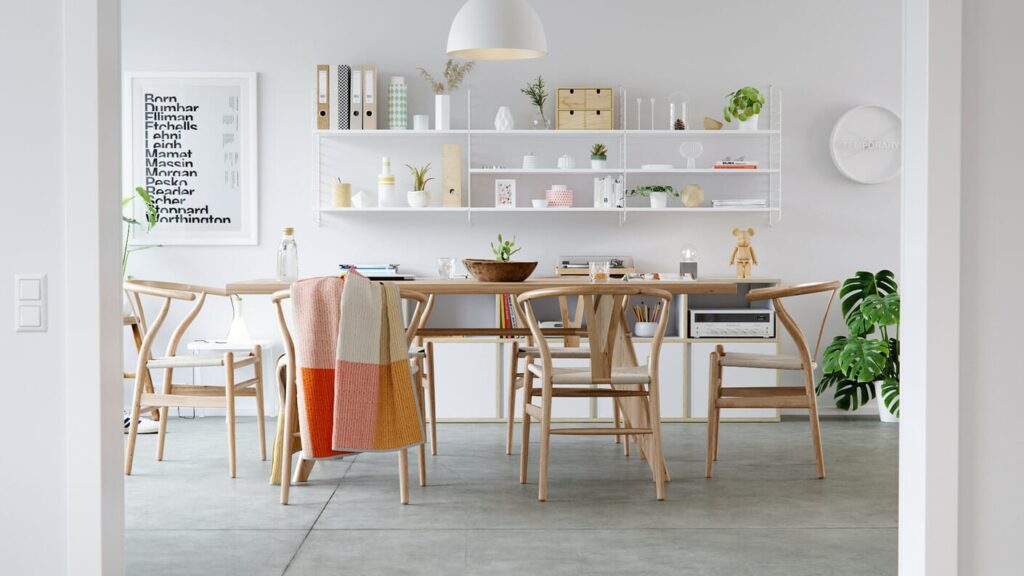
Interior designers turn to Corona to give their clients a visual taste of the designs.
By looking at the visuals, clients no longer have to grapple with the idea of a space; they actually get a chance to see realistic lighting, accurate furniture placement, materials and textures, and room atmosphere
This makes design decisions easier and more convincing.
Advertising and Product Visualization

Corona comes in handy when producing top-quality, photorealistic product shots.
Brands and marketing teams can render products like furniture, appliances, consumer electronics, or home decor.
These images can be used in advertising campaigns, websites, and product catalogs.
Corona Renderer vs Other Rendering Tools
There are several popular rendering tools in the 3D world. V-Ray is one of the commonly compared tools, which is developed by Chaos, too. Though each tool can render awesome results, their design philosophies are a little different.
Corona Renderer
- easier for beginners
- fewer technical settings
- strong focus on simplicity
- widely used in architecture visualization
V-Ray
- more technical controls
- highly customizable workflows
- used across many industries including film and VFX
Both tools are powerful; it is just a question of which method an artist likes more.
What Makes Corona Renderer Unique
Several features make Corona stand out in the rendering world.
- Its interactive rendering allows artists to see scene changes instantly while working.
- With a simple setup, it has fewer technical adjustments compared to some other renderers.
- It has realistic lighting that mimics how light behaves in the real world.
- It has a built-in material library that gives access to ready-made materials and assets.
- Corona primarily relies on the computer’s processor, making it stable and predictable across many systems.
Is Corona Renderer Beginner Friendly?
Yes, it is. This is actually one of Corona’s biggest strengths.
Many artists recommend Corona to beginners because it requires fewer complicated setting, lighting often looks good with minimal adjustments and the interface is straightforward
Nevertheless, mastering any render tool is a matter of continuous practice. Artists gradually learn how to manipulate light, materials, and layout to reach a professional level of work.
The Corona software rendering tool manages to merge the power of rendering with the ease of use, thereby attracting artists at all skill levels while producing professional-grade outcomes. In fact, it is a must-have for visualization in design, architecture, and marketing.