

You Need These HP Accessories in Your Workspace in 2026
HP accessories are high-quality accessories that enhance your work experience whether you’re working from home, in an office, or in a hybrid setup. Creating a productive workspace goes beyond just having a powerful laptop or desktop. But the right HP accessories can improve comfort, efficiency, and overall work performance.
Here Are Five Essential HP Accessories You Should Consider for Your Workspace
1. HP Keyboard and Mouse
A reliable keyboard and mouse are the foundation of any workspace. These HP accessories are designed to deliver smooth typing, precise navigation, and seamless connectivity.
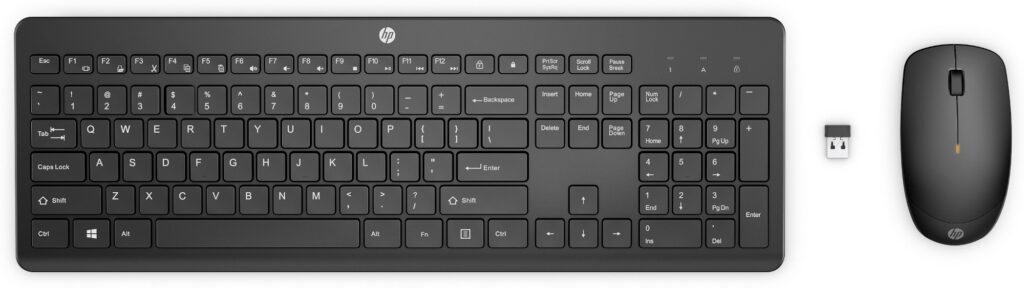
These combos often support multi-device connectivity, allowing you to switch between devices like laptops and tablets effortlessly. HP keyboard and mouse sets also offer long battery life and ergonomic designs, ensuring you can work comfortably for extended periods.
Some reliable options are
- HP Blu Ray wired mouse usb
- HP wired mouse M10 usb
- HP wired Keyboard K1600
- HP Wireless Keyboard and Mouse CS700
- HP French keyboard 14 – K1700
Why you need it:
- Faster and more comfortable typing
- Improved navigation and precision
- Wireless setup for a clutter-free desk
2. HP USB-C Docking Station
A docking station can instantly transform your laptop into a full workstation. The HP USB‑C Dock G5 is popular among the options of HP accessories that connect multiple devices through a single USB-C cable.
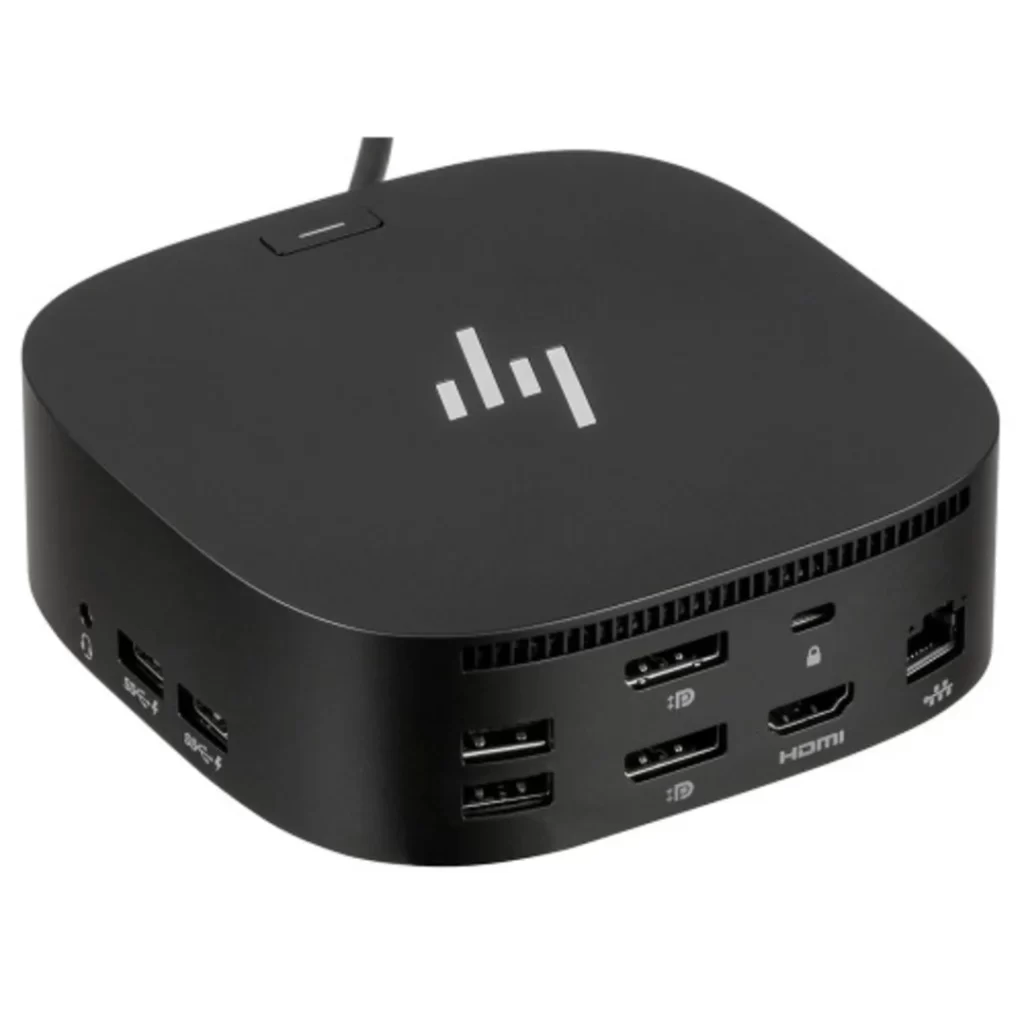
With a docking station, you can connect monitors, keyboards, external drives, and other peripherals without constantly plugging and unplugging cables. HP docks are designed to simplify workspace connectivity and support multiple displays.
Benefits:
- You can connect multiple devices with one cable
- It reduces desk clutter
- Enables quick switching between mobile and desktop work setups
3. HP External Monitor
Adding an external monitor is one of the easiest ways to boost productivity. A display like the HP E24 G4 FHD Monitor gives you more screen space to multitask efficiently.
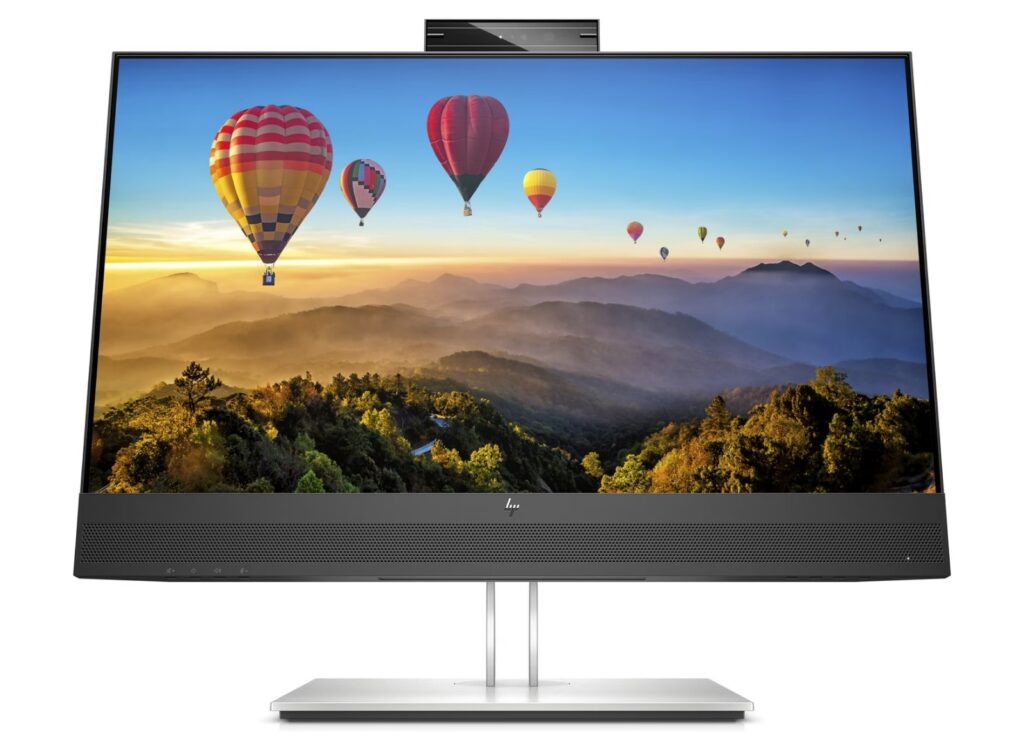
HP monitors are designed for business environments and often include features like low blue light filters, adjustable stands, and high-resolution displays. However, these features help reduce eye strain and improve comfort during long work sessions.
Advantages:
- Increased screen space for multitasking
- Better visual clarity for documents and creative work
- Reduced eye fatigue
4. HP Webcam
With remote meetings now a part of everyday work, a quality webcam is essential. The HP 965 4K Streaming Webcam offers high-resolution video and AI-enhanced features for professional video calls.
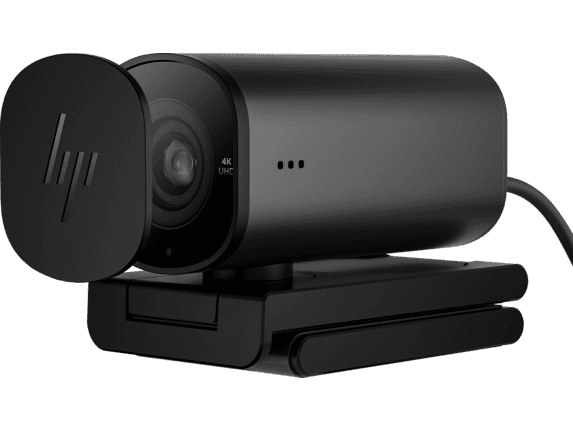
A dedicated webcam ensures better lighting, clearer visuals, and improved video quality compared to most built-in laptop cameras. HP webcams are designed to support high-quality streaming and professional communication.
Why it matters:
- Professional appearance in meetings
- Sharper video quality
- Improved collaboration in remote teams
5. HP Wireless Headset
A good headset helps you stay focused and communicate clearly during calls or virtual meetings. The HP Poly Voyager Focus 2 Wireless Headset offers noise-canceling features and a comfortable design for all-day use. It’s one of the premium HP accessories that helps you achieve productivity.
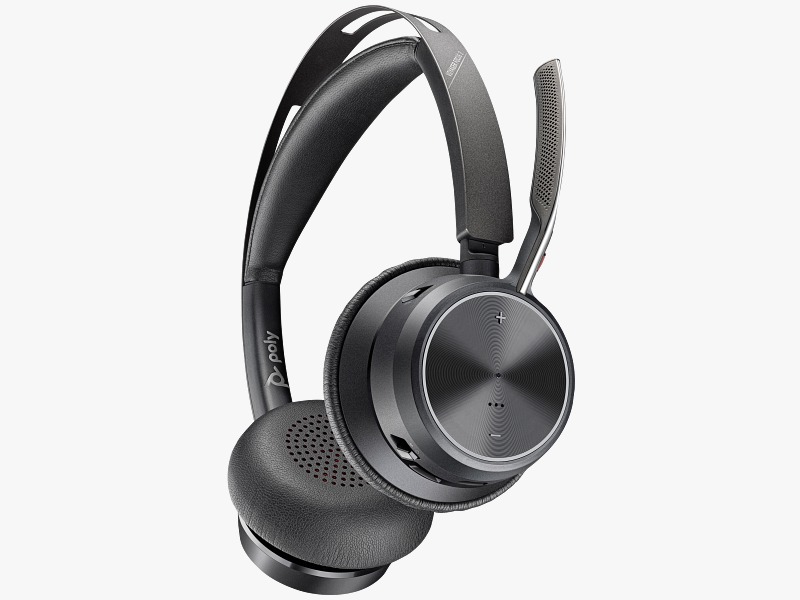
HP headsets are built for productivity, delivering clear audio for both listening and speaking. They are especially useful in busy work environments or shared home offices.
Key benefits:
- Clear communication during meetings
- Noise reduction for better focus
- Comfortable for long working hours
The right HP accessories can turn a basic desk into a high-performance workspace. , investing in tools like an HP keyboard and mouse combo, docking station, monitor, webcam, and headset can significantly improve comfort, productivity, and overall work efficiency.
By upgrading your workspace with the right HP accessories, you create an environment that supports better focus, smoother workflows, and a more professional work experience.