

🥊 SketchUp Battle: Go vs Pro vs Studio – Which Design Champion Wins?
Ladies and gentlemen, welcome to the ultimate showdown of 3D design power!
Tonight, three heavyweights enter the creative ring, each ready to prove they’re the best tool for your next big project. Whether you’re an architect, designer, engineer, or enthusiast, only one will rise as your go-to champion.
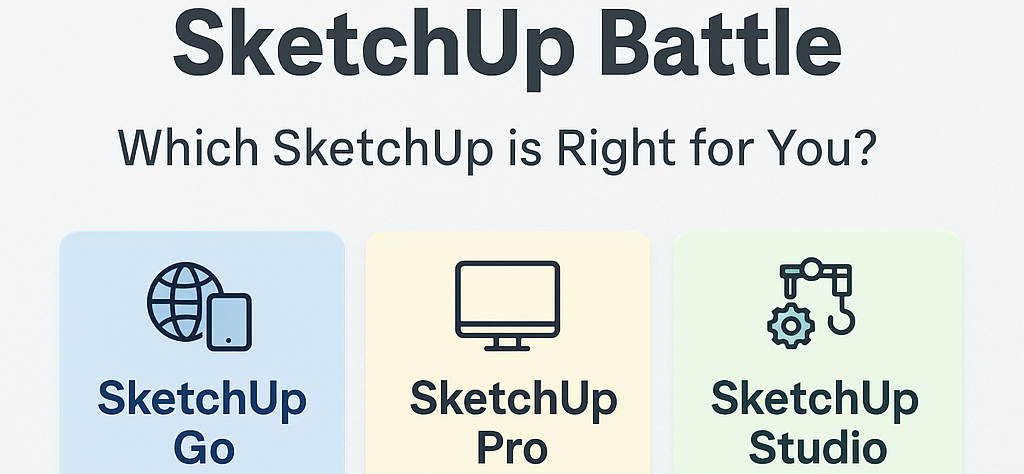
In the blue corner, weighing in with portability and flexibility — it’s the quick sketching superstar,
🎉 SketchUp Go!
In the yellow corner, known for precision, versatility, and desktop dominance — say hello to the crowd favorite,
💼 SketchUp Pro!
And in the green corner, armed with the most advanced tools in the SketchUp arsenal — the heavyweight design powerhouse,
🚀 SketchUp Studio!
Let the rounds begin.
🥊 Round 1: Mobility and Accessibility
SketchUp Go throws the first punch with its slick performance on iPad and web browsers. Designed for designers on the move, it’s perfect for sketching ideas, quick edits, and client presentations anytime, anywhere.
SketchUp Pro returns fire with a strong desktop presence on Windows and Mac, delivering all the tools professionals need. Studio steps in with the same platform — but geared toward users with advanced workflow demands.
Winner: SketchUp Go – for creatives who design on the move.
🥊 Round 2: Features and Firepower
SketchUp Pro lands solid hits with powerful tools like LayOut for documentation, Style Builder, and full extension support. It’s the industry’s go-to for detailed, high-precision 3D modeling.
SketchUp Studio raises the stakes with Revit import, energy analysis, and advanced performance validation. It’s not just a design tool — it’s a simulation engine for serious professionals.
SketchUp Go, agile as it is, offers simplicity and speed but lacks the deeper capabilities of its opponents.
Winner: SketchUp Studio – for those who need every advanced tool. SketchUp Pro remains the reliable all-rounder.
🥊 Round 3: Who Should Use What?
SketchUp Go is ideal for students, decorators, and freelancers who need a fast, intuitive tool for light modeling and collaboration.
SketchUp Pro is perfect for architects, designers, and construction professionals needing a balance of modeling and documentation tools.
SketchUp Studio is the choice for architectural firms and technical teams requiring BIM data handling and environmental analysis.
Winner: It all depends on your workflow — pick the fighter that fits your design style.
🏆 The Final Bell: Choose Your Champion
Each version of SketchUp brings something unique to the ring. The true winner? You—when you choose the version that works best for your creative goals.
At OAS Technologies, we help you match the right SketchUp solution with your specific needs. Whether you want speed and simplicity, professional-grade modeling, or full-on BIM-ready performance, we’ve got your corner covered.
🎁 Try SketchUp Free Today
Not sure which one fits you best?
Experience SketchUp Go, Pro, or Studio free for a limited time!
Let the trial begin—and may the best SketchUp win.